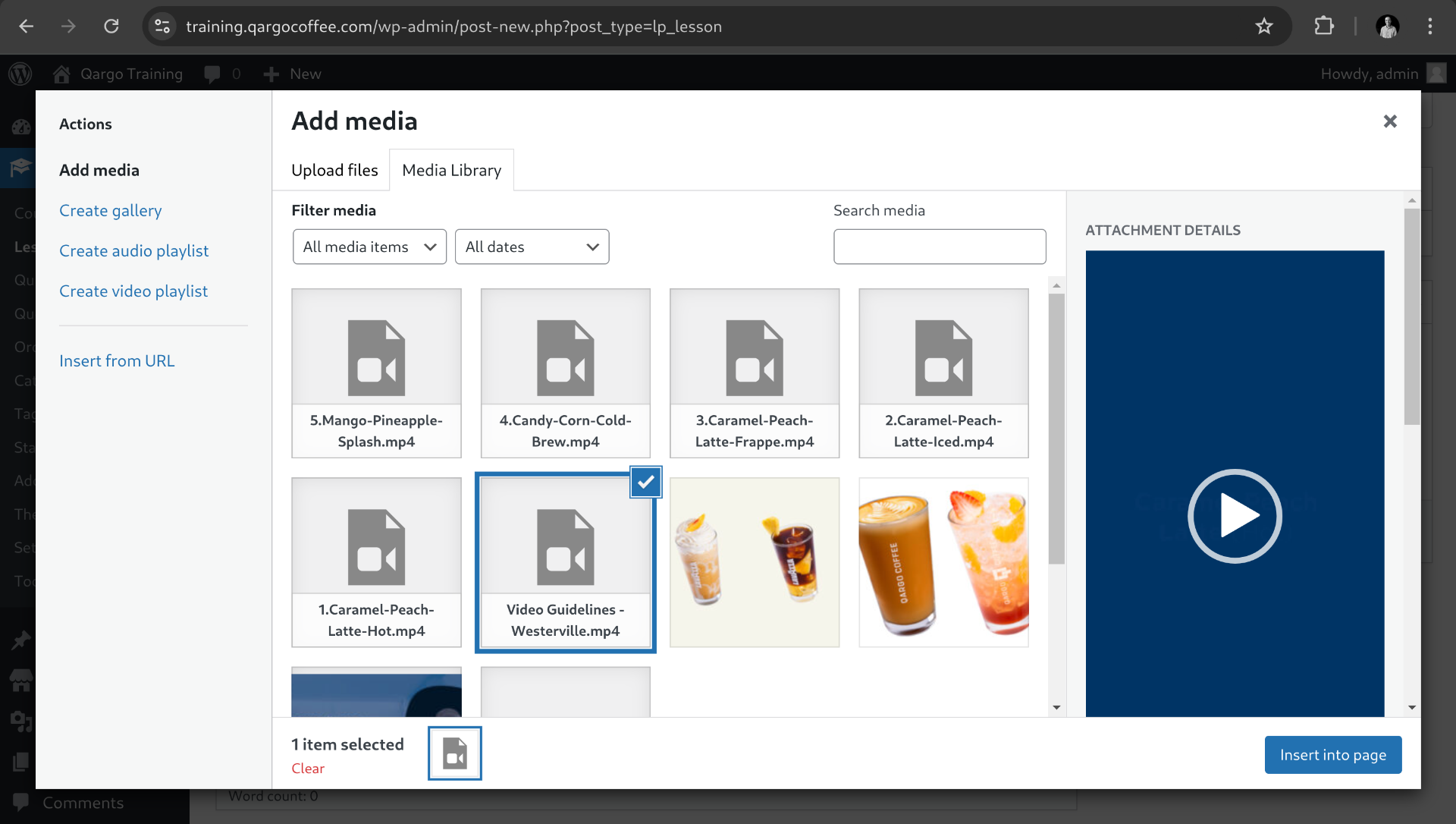
Link uploads to admin library
At this point we uploaded a video using ftp, but we need to link the file to the media library.
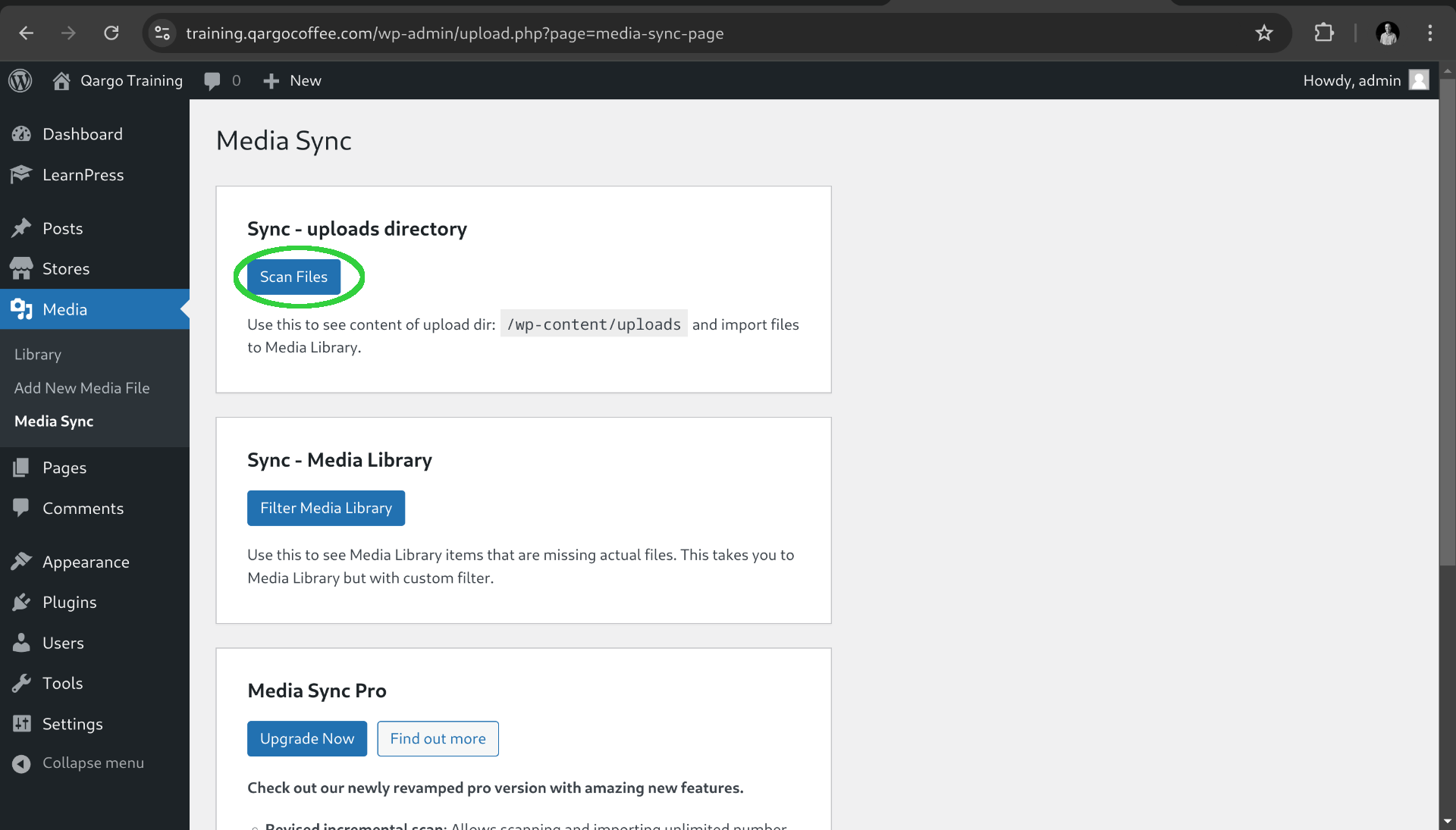
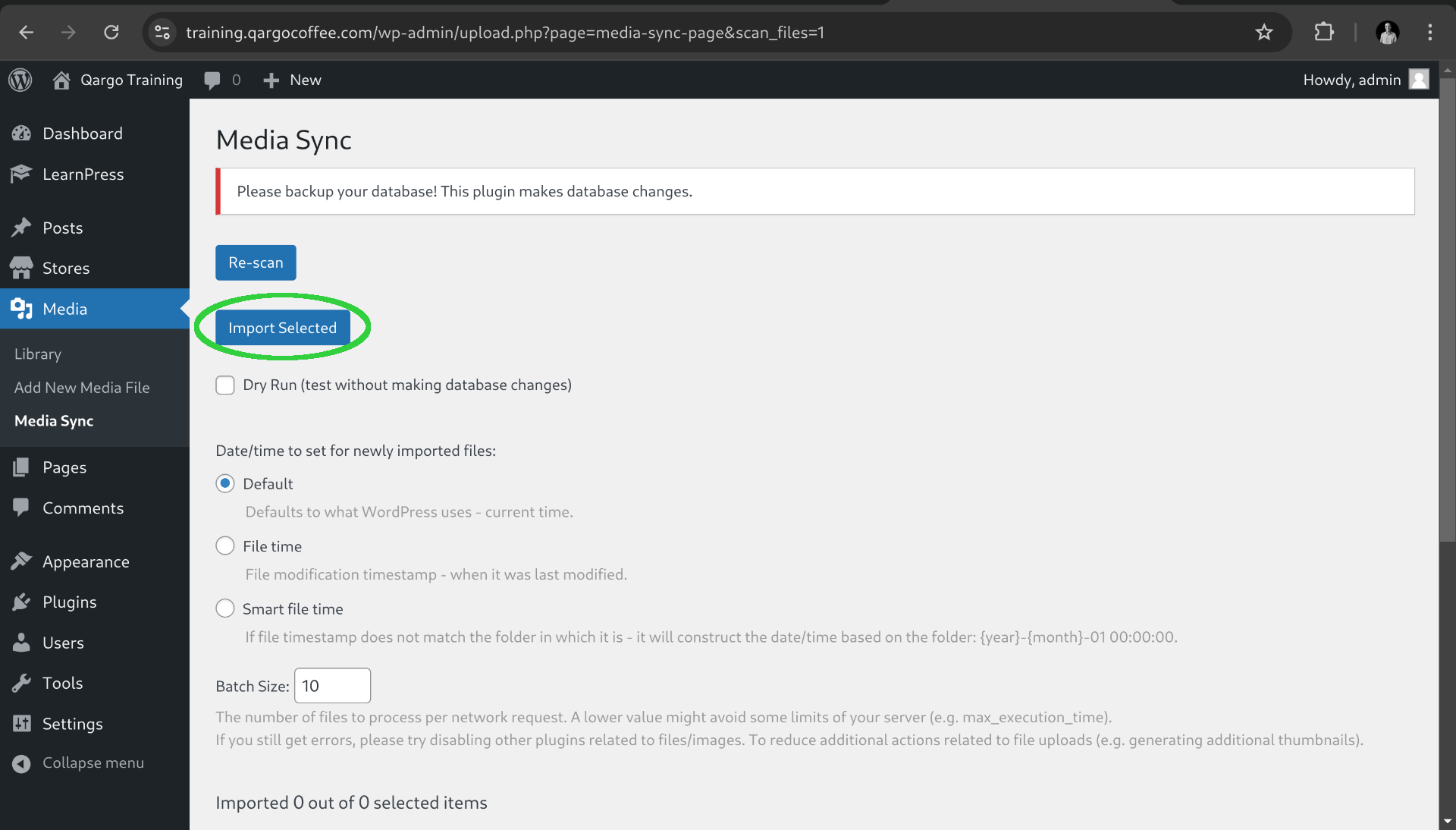
To do that click on the left Menu on Media and Media Sync. Then click on Scan Files button.
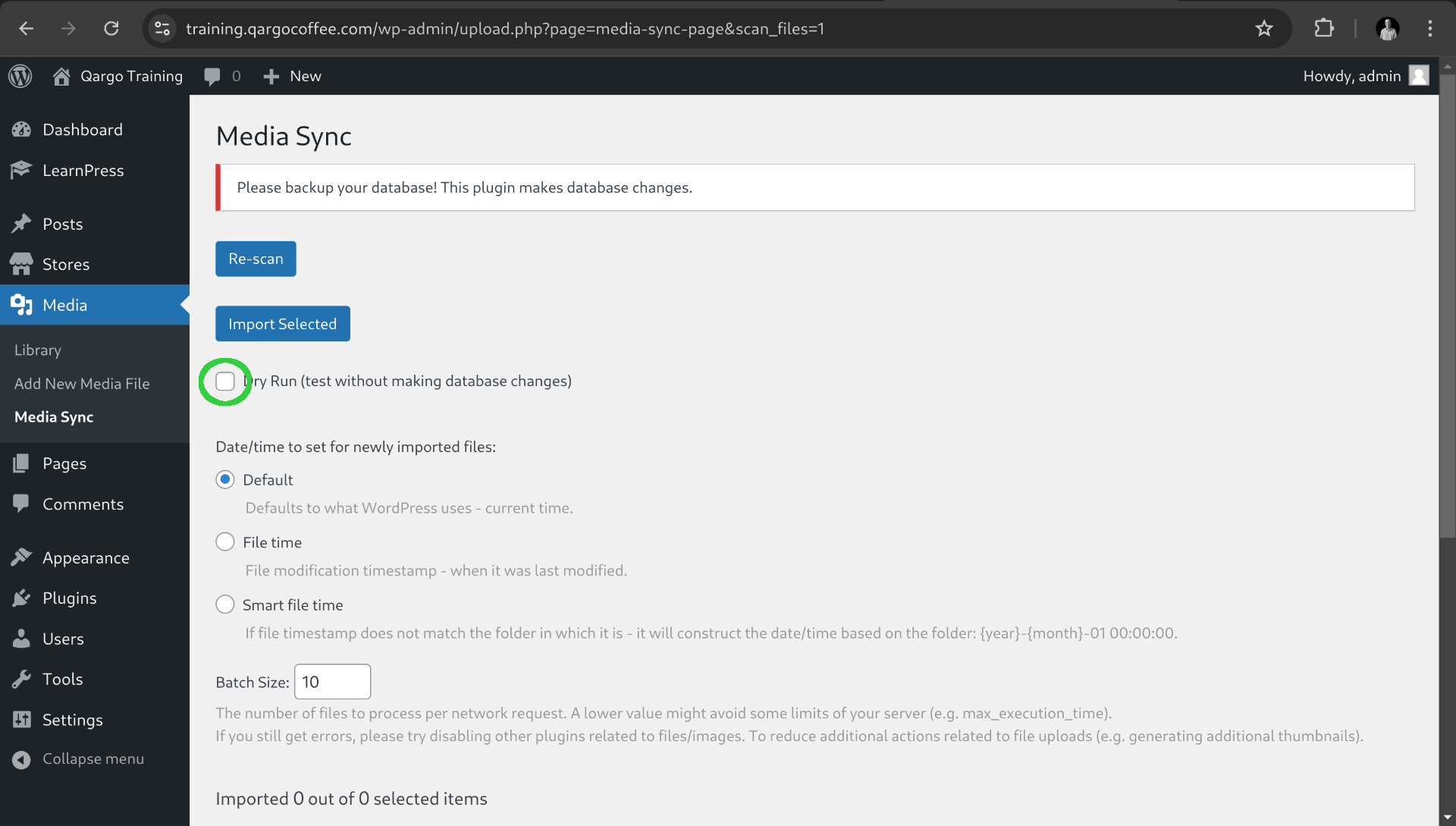
Then uncheck the Dry run option (to import the files on real database instead of a test enviroment).
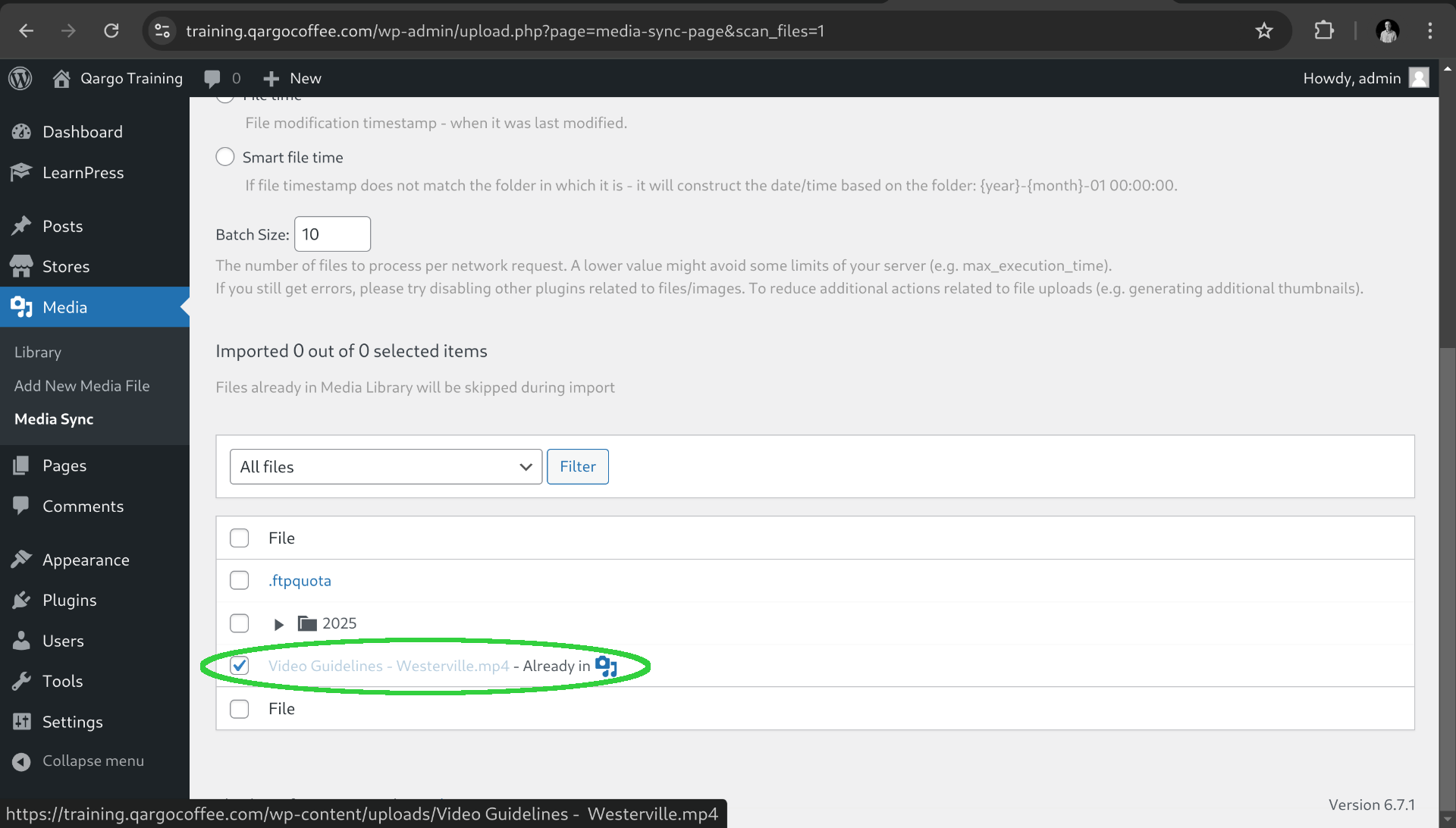
Then select the video or videos if you uploaded multiple files. Notice that the image is showing that the video in this case is already imported but for new files the message is not there.
After that click on Import selected Button.
That's it now the video it's available everytime you open the media library.