Create questions
Click on the left menu on questions and then on Add A New Question.
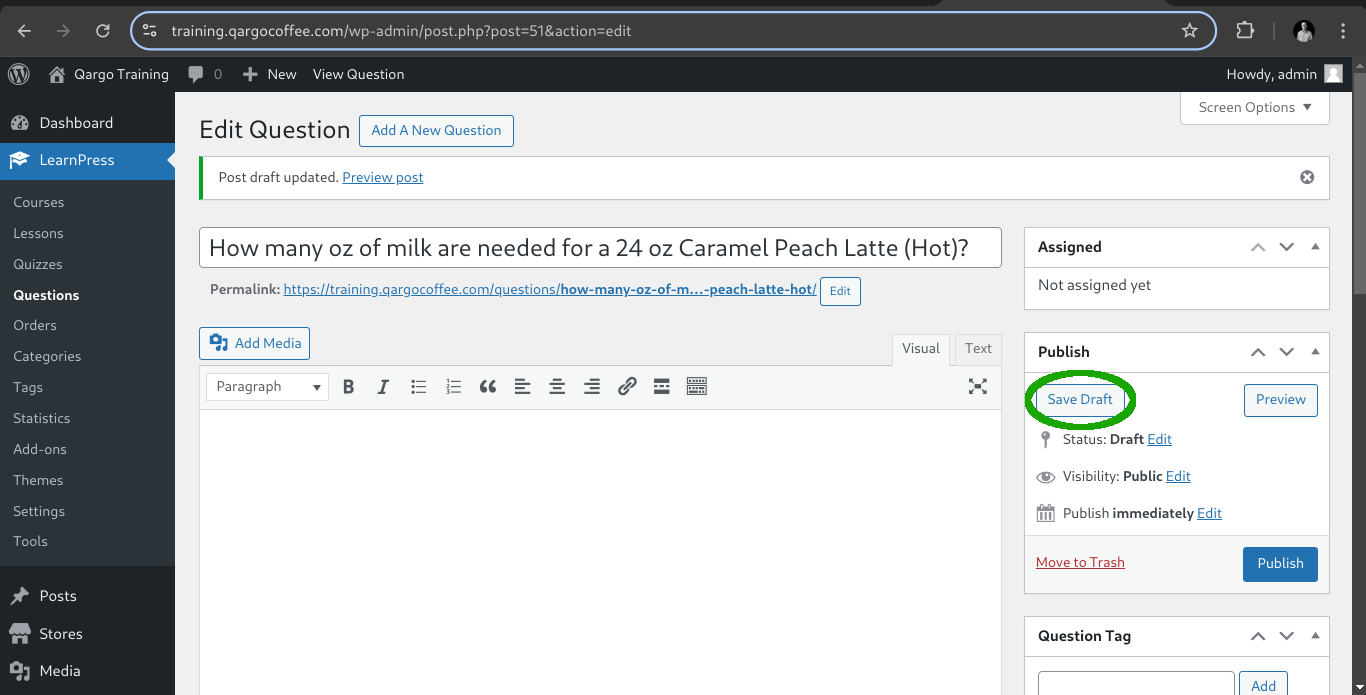
Fill the question title and save the draft as always.
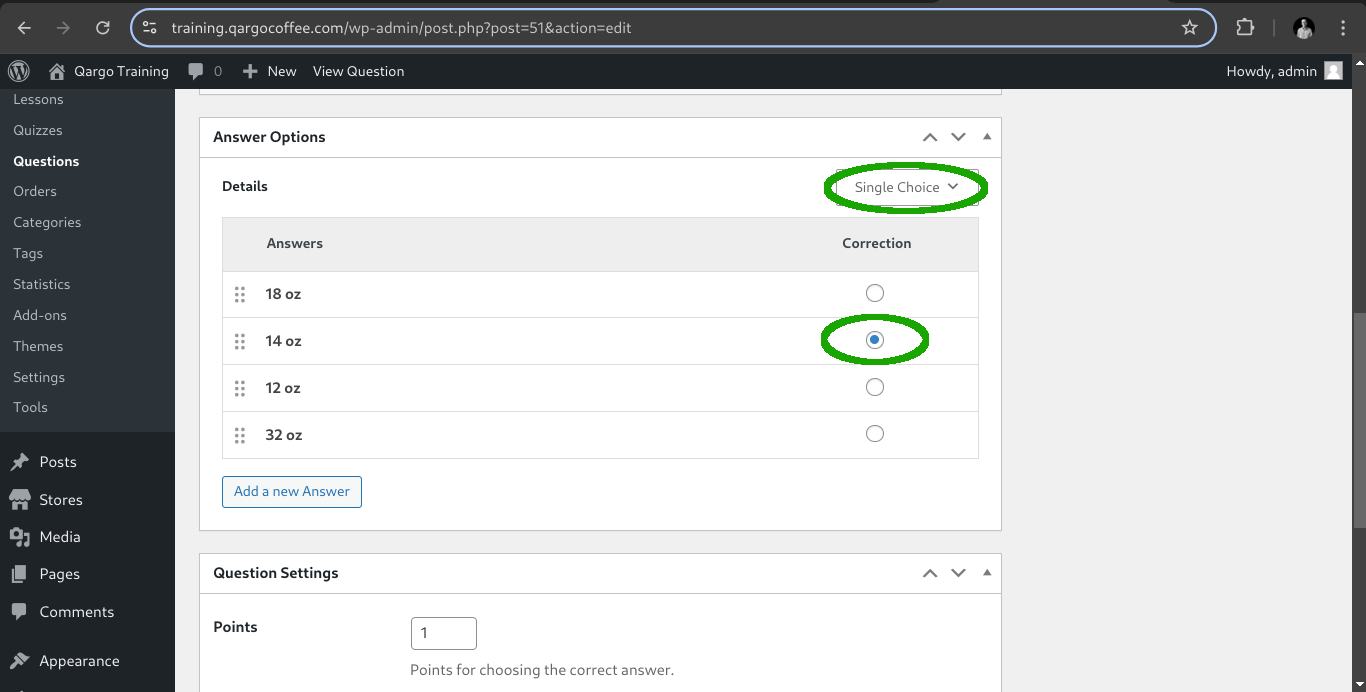
After that we need to select the type of answer for this question, so we need to select single choice option and fill the options with the corresponding correct option.
Also on the card below we got the settings in case you want to give a hint or explanation to the user on this question.
For now click on publish and create another type of question. In this case a true-false one.
Click on the button Add a New Question at the top of the page.
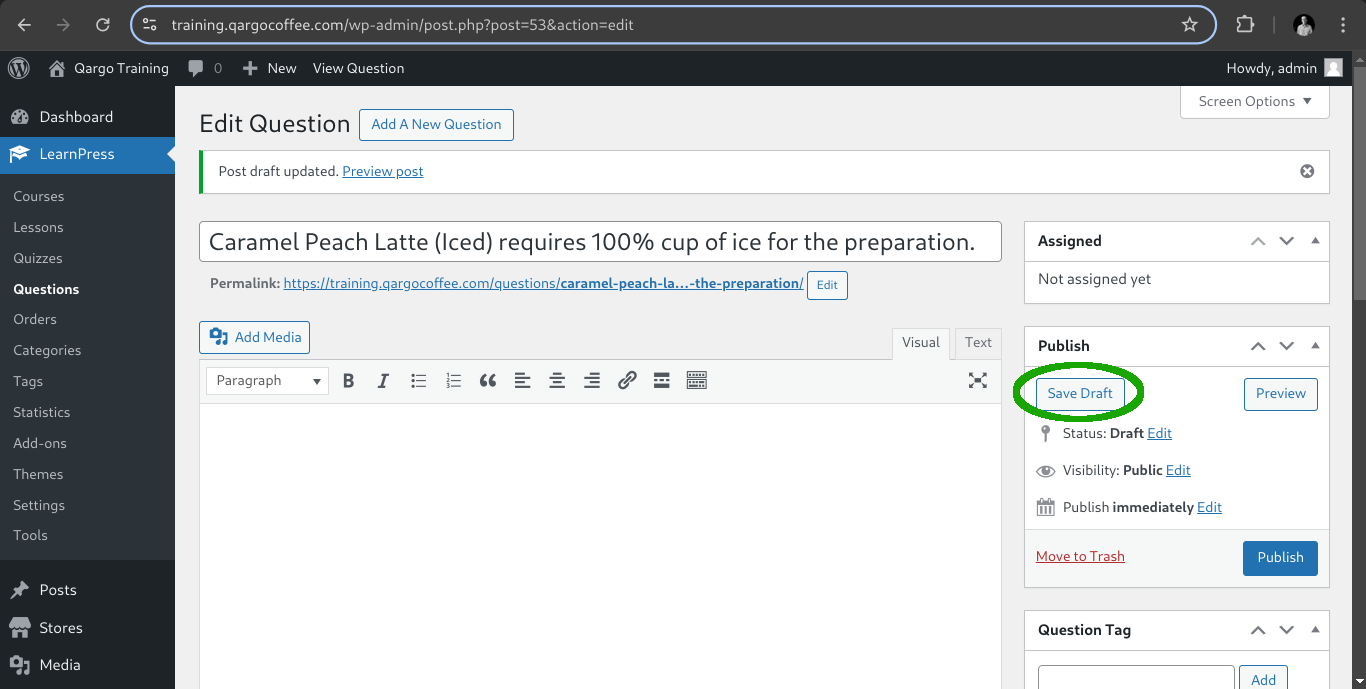
Fill the title and save draft.
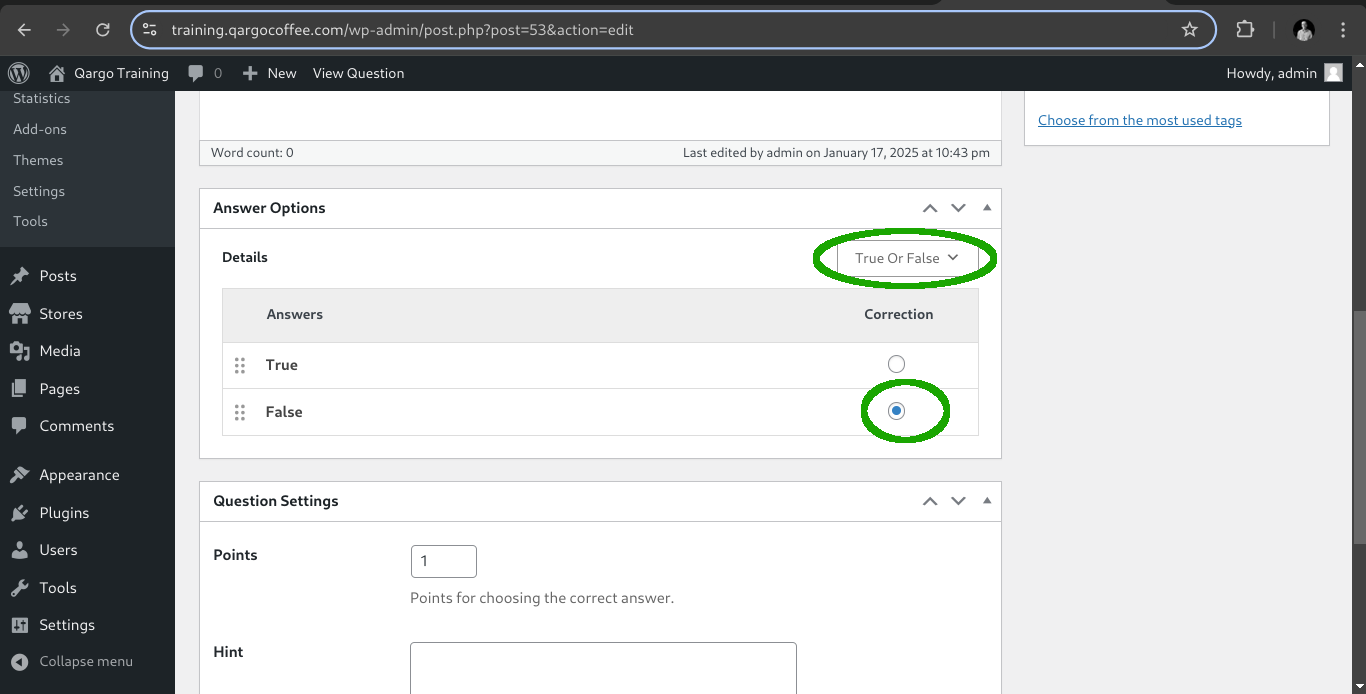
Then select the True Or False option type and select the correct answer.
Click on publish and after that we can return to our quiz and attach the questions.